
Your Old Software Still Works — So Why Upgrade? 4 Steps to Modernize Without the Risk
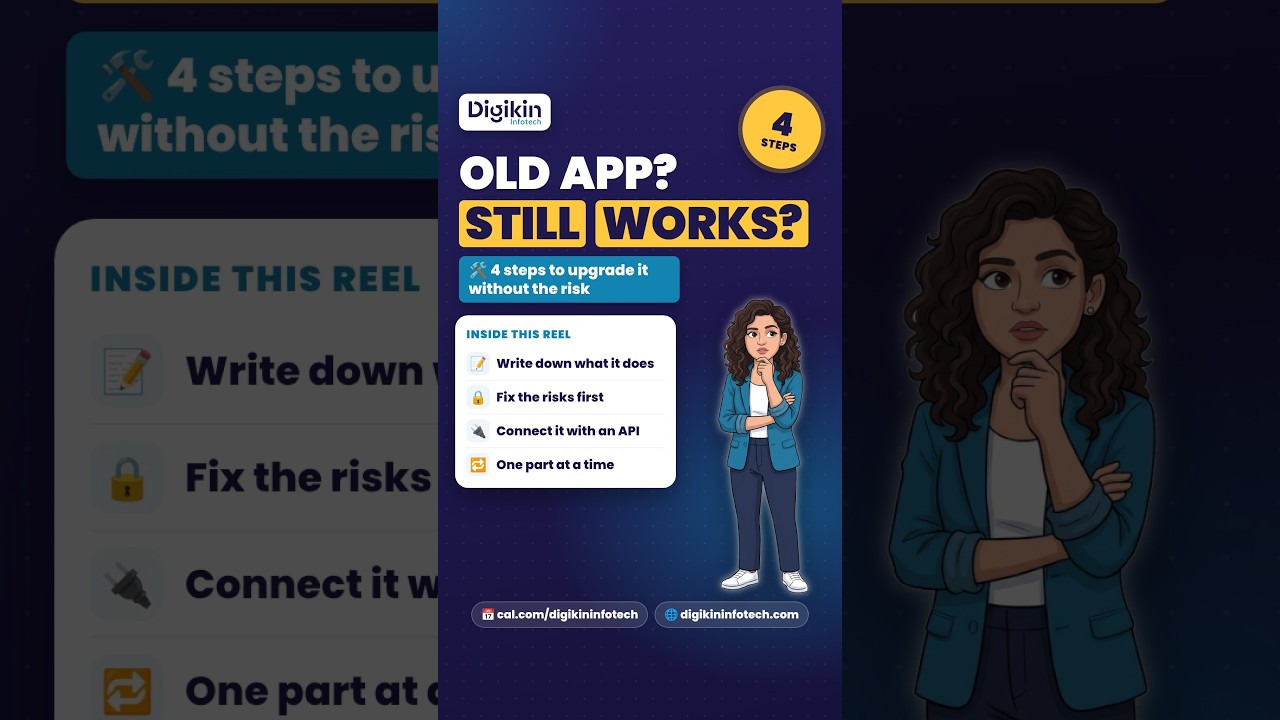
"It still works" is the most expensive sentence in software. An old app or system keeps running, so the upgrade keeps getting pushed back — while the cost of keeping it alive, the security risk, and the number of people who actually understand it all move in the wrong direction. The good news: modernizing doesn't have to mean a risky big-bang rebuild.
▶ Watch: the short version
Why "it still works" gets expensive
A 2026 Saritasa survey of 513 IT professionals shows how common — and how costly — this is. 68% of organizations depend on at least one legacy system, up from 62% a year earlier.
The top reason owners give for delaying an upgrade is simply that "the system still works" (54%). Yet at the same time, 52% say maintenance and support costs are high, and 54% point to security vulnerabilities. Meanwhile the specialists who know these old systems are disappearing — dedicated legacy coverage fell from 20% to 12%, leaving internal IT teams to absorb the risk.
4 steps to modernize without the risk
You don't need to replace everything at once. Four steps keep the upgrade safe:
- Write down what the system does — and who still knows how it works.
- Fix the risks first: tested backups, security updates, and clear control over who can log in.
- Don't rebuild everything — connect the old system to your new tools through an API.
- Replace one part at a time. Run old and new side by side, compare results, then switch.
The takeaway
"Still works" is not a plan. Modernize on your schedule — a part at a time, with backups and parallel running — instead of scrambling after the system finally breaks.
""It still works" is the most expensive sentence in software."
Sources
Running on an old system you're afraid to touch? See our app modernization & custom software services →